Best External Storage for Enterprise AI Labs and Large-Scale Model Training
By Buyisile Nkwebana · 8 min read · Updated Sep 24, 2026
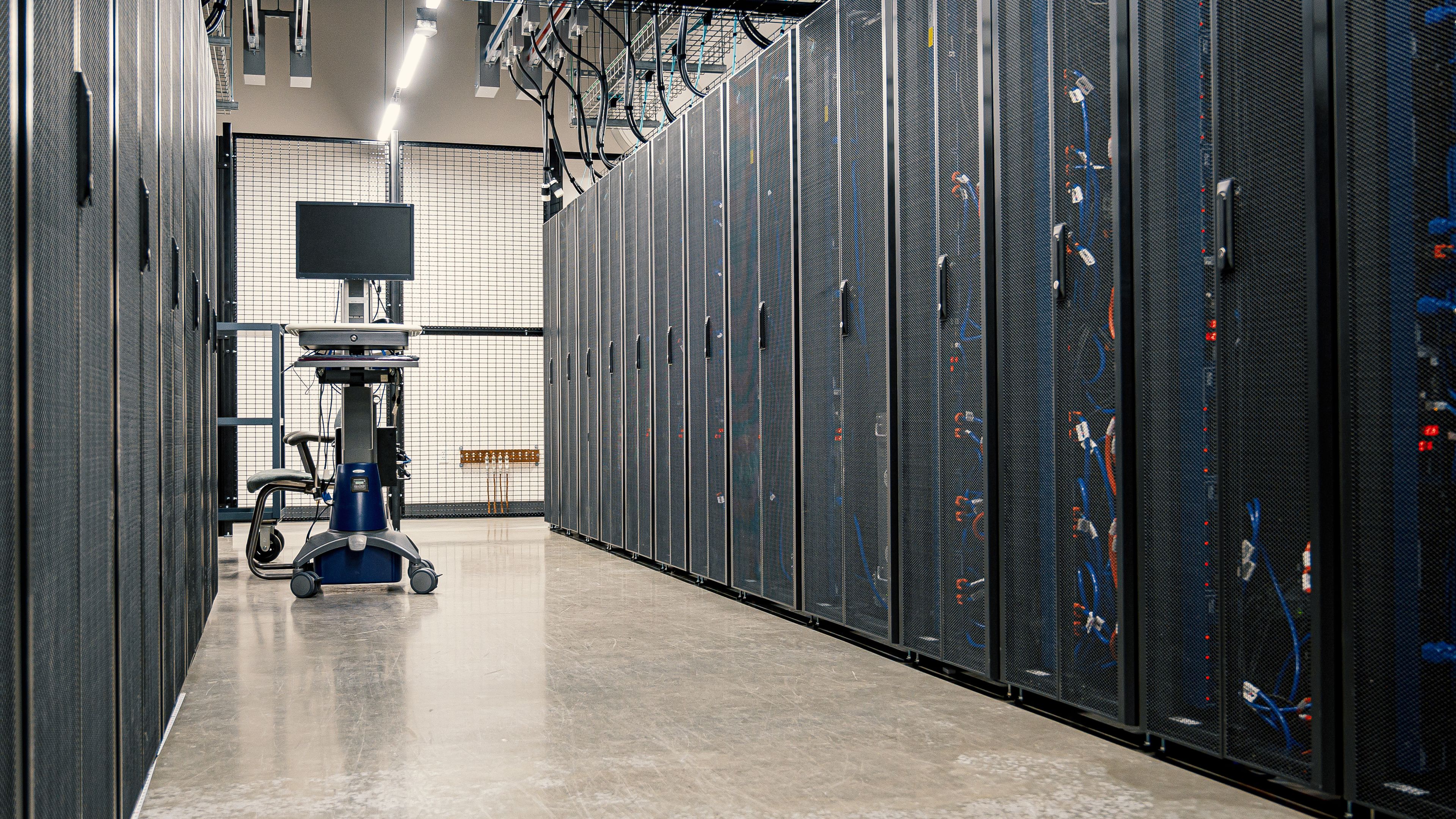
The best external storage for an enterprise AI lab is not a bigger version of the NVMe SSD you would buy for one workstation. Once you are training on hundreds of terabytes of synthetic and real data across a cluster, sequential throughput and drive-failure math dominate the decision. The right building blocks are erasure-coded object storage, Ceph or MinIO, sitting in front of high-capacity HDD arrays, sized for sustained throughput and self-healing durability rather than a single big capacity number on a spec sheet.
Key takeaways
- A single NVMe SSD or small NAS, the right answer for one machine, stops making sense somewhere past a few hundred terabytes and more than one training node.
- Erasure coding, the enterprise-scale successor to RAID that splits data with redundancy across many drives and nodes, lets a pool survive several simultaneous drive failures and repair itself automatically. That is what "self-healing" means here, not that it fixes a file you deleted.
- High-capacity 3.5-inch HDDs in the 18 to 24TB class, in JBOD shelves (just a bunch of disks, no RAID controller doing the redundancy), are still the cheapest way to store bulk synthetic and training data. Sustained throughput per drive matters more than the capacity headline.
- Ceph and MinIO both run erasure-coded object storage. Ceph has more moving parts and more operational overhead. MinIO gets most teams under roughly 500TB the same durability with far less staffing.
- Cloud object storage is usually cheaper to start and more expensive to leave. Egress fees make it a bad fit once you are repeatedly re-reading the same multi-terabyte dataset for training runs.
Why the home-lab playbook stops working at enterprise scale
If you have read a guide about buying a 2TB external SSD for running local models on one machine, that advice is correct, and it stops applying almost the moment a second team, a second training job, or a second petabyte enters the picture. A single drive, however fast, is a single point of failure and a throughput ceiling. An enterprise AI lab training on shared datasets needs storage that survives losing more than one drive at once, keeps serving reads while it repairs itself, and does not fall over when a dozen GPU nodes hit it at the same time.
I think most teams reach for Ceph before they need it. Ceph is powerful, and it is also a genuinely hard system to run well: it wants a dedicated team that understands placement groups, CRUSH maps, and monitor quorum, or it will bite you during exactly the incident you built it to prevent. MinIO, running erasure-coded pools across a handful of JBOD nodes, gets a team under roughly 500TB most of the same durability with a fraction of the operational surface area. Past that scale, or once you need block storage for stateful services on the same cluster, Ceph starts earning its complexity. This holds for training-data storage specifically. If you are also running databases on the same cluster, the calculus shifts and Ceph's broader feature set matters more, and I would not pretend otherwise.
High-capacity HDD arrays for synthetic data generation
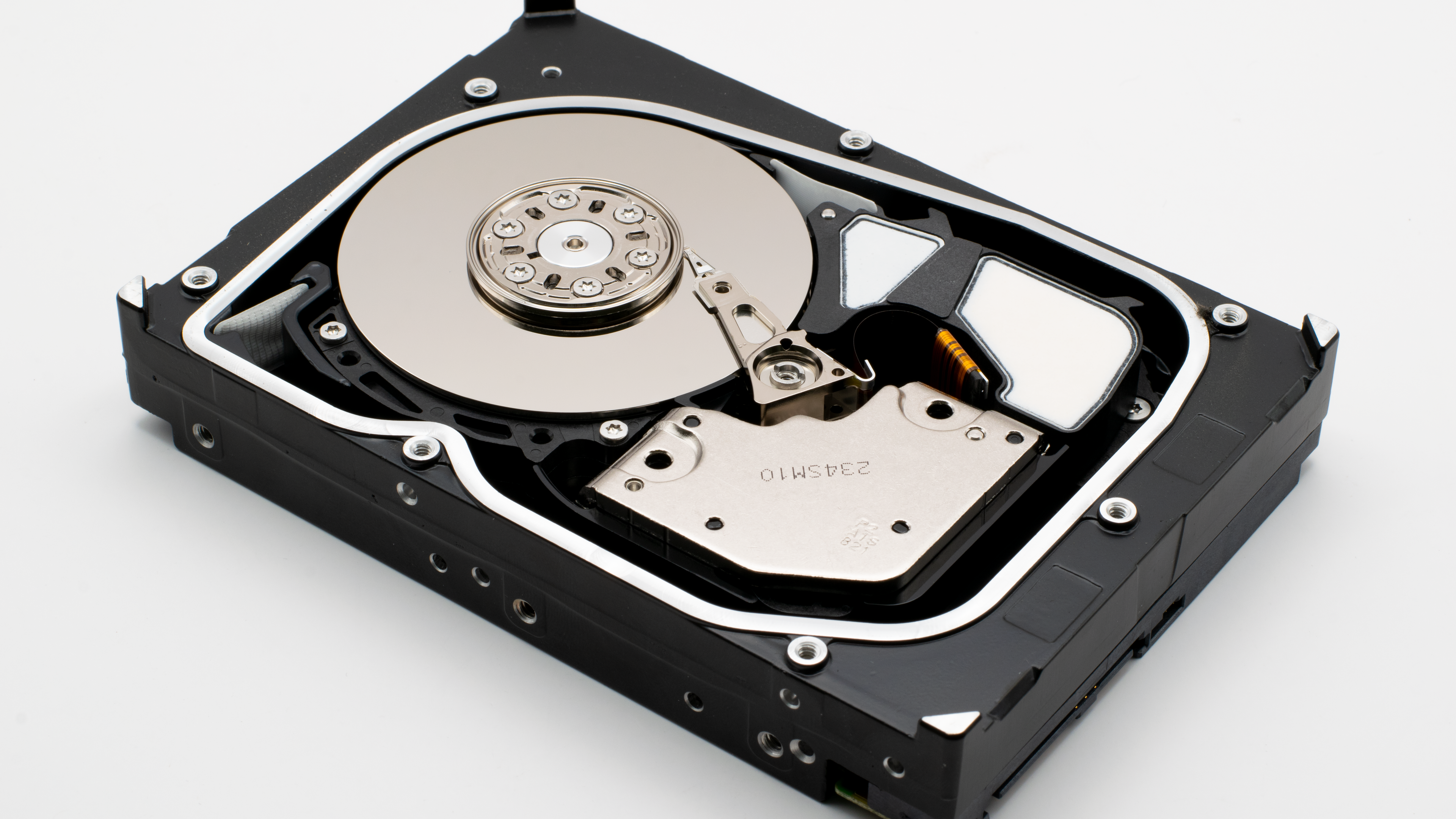
Synthetic data generation for AI training produces enormous volumes of data that gets read sequentially in large batches, not randomly accessed one file at a time. That access pattern favors high-capacity spinning disks over flash for the bulk store. A modern 3.5-inch enterprise HDD in the 18 to 24TB class costs a fraction of the per-terabyte price of NVMe flash, and sustained sequential throughput, typically 250 to 280MB/s per drive, is what matters for a batch read, not the random 4K IOPS number (how many small random reads or writes a drive can do per second) that matters for a database.
| Storage tier | Typical capacity | Cost tier | Best for |
|---|---|---|---|
| JBOD HDD shelf (18-24TB enterprise HDDs) | 200TB-2PB+ per shelf | Lowest cost per TB | Bulk synthetic data and training datasets read sequentially in batches |
| All-flash NVMe pool | 50-500TB | Highest cost per TB | Hot datasets read randomly and repeatedly during active training |
| Cloud object storage (S3-class) | Effectively unlimited | Low upfront, high over time | Early-stage teams, infrequently re-read archives, disaster recovery copies |
| Erasure-coded object pool (Ceph or MinIO on HDD) | 200TB-10PB+ | Low cost per TB plus staffing | Enterprise labs that need both bulk capacity and self-healing durability |
Self-healing storage: erasure coding, Ceph, MinIO, and ZFS scrub
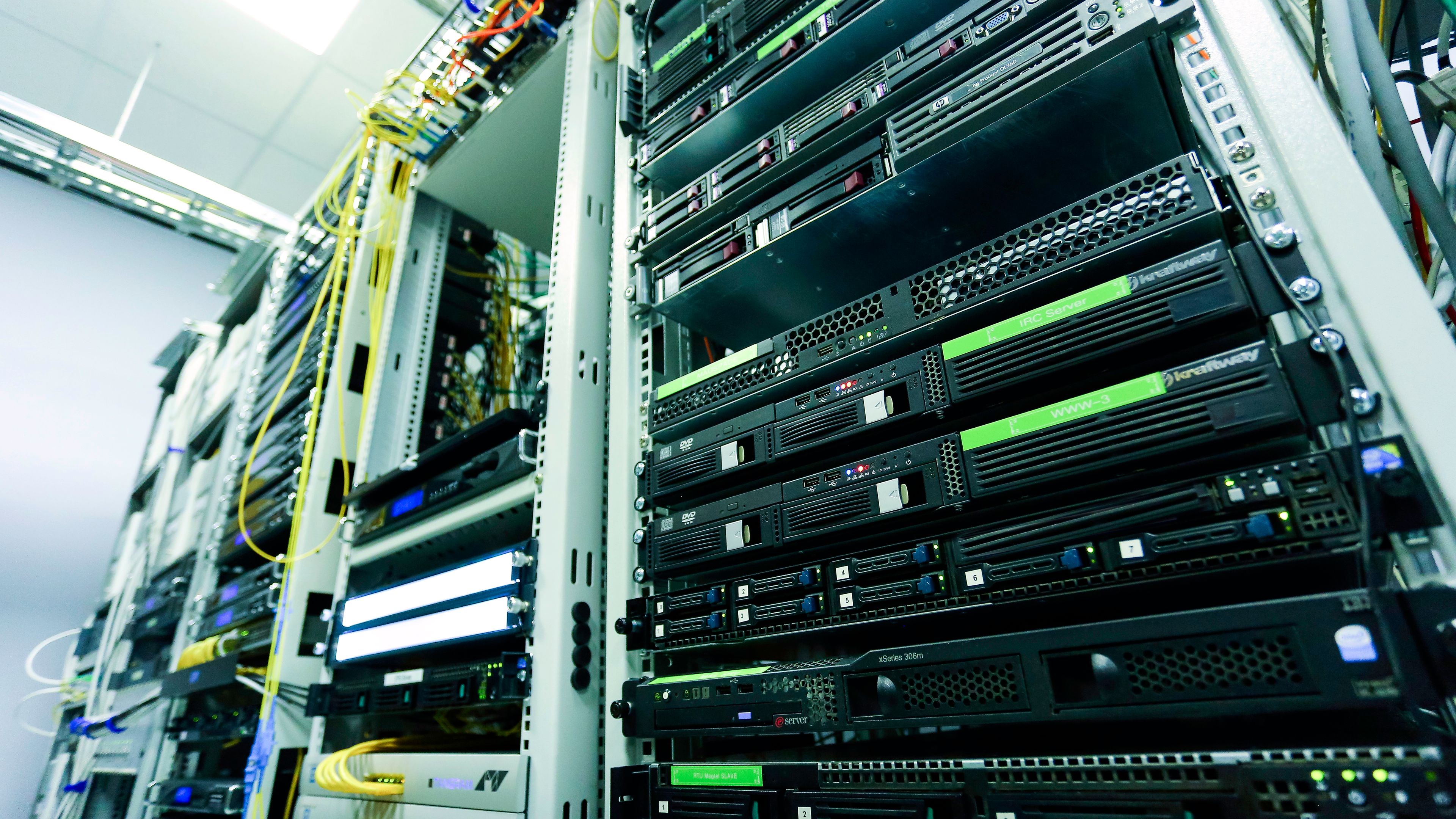
Erasure coding splits each object into data and parity fragments and spreads them across many drives and, ideally, many physical nodes. Lose two, three, or more drives at once, depending on how the pool is configured, and the object is still fully readable, and the pool rebuilds the missing fragments onto spare capacity automatically. That automatic rebuild is what "self-healing" refers to. ZFS, more commonly used on a single box or small cluster, does something similar at a smaller scale: a scheduled scrub reads every block and catches silent corruption, sometimes called bit rot, before it turns into a real error, and a resilver rebuilds a replaced drive from its mirror or parity.
In late 2019, on an infrastructure team at a large corporate I worked for, a fraud-detection training job stalled for most of a Saturday because two drives in the same RAID 5 shelf failed within about forty minutes of each other. RAID 5 tolerates exactly one drive failure, so the second one turned a rebuild into a full restore from tape, and roughly eighteen hours of a multi-day training run had to be thrown out and rerun once the data came back. We moved that dataset store to an erasure-coded pool that could survive two simultaneous failures. In the four years I was still on that team, a repeat of that Saturday never happened again.
Sustained throughput matters more than headline capacity for distributed training
A single enterprise HDD's few hundred megabytes per second sounds slow next to an NVMe SSD's multiple gigabytes per second, and for a single machine it is. Distributed training does not read from a single drive, it reads from an array, and throughput scales with how many drives and nodes the pool spreads a read across. A few dozen HDDs behind a well-tuned erasure-coded pool can sustain multiple gigabytes per second in aggregate, more than most single-node NVMe setups, at a fraction of the cost per terabyte. Failure rate is the other number that matters at this scale, and it is not zero: Backblaze's annual Drive Stats reports, published since 2013 and covering a fleet of over 200,000 hard drives, have shown fleet-wide annualized failure rates in the roughly 1 to 2% range most years. At a few hundred drives, that is not a rare event, it is a Tuesday. Size the pool's redundancy for how many drives you expect to lose in a bad month, not how many you hope to.
# Check erasure-coded pool health before trusting it with a training run
ceph -s

# Same idea on a MinIO cluster
mc admin info myminio
Cost per TB: on-prem enterprise storage vs. cloud object storage
Cloud object storage looks cheaper on the first invoice, and it usually is, until a training job needs to read the same multi-terabyte dataset five times in a month and the egress bill arrives like a dinner guest who orders the most expensive thing on the menu. On-prem HDD storage has a real upfront cost, drives, chassis, networking, and somebody who understands the software, and a near-zero marginal cost per read after that. The crossover point is usually somewhere around a few hundred terabytes of data that gets read repeatedly. Below that, cloud storage is very likely the right call, and the honest complexity-avoidance option. Above it, on-prem HDD arrays usually win on total cost within twelve to eighteen months, assuming you already have, or are willing to build, the operational skill to run them.
“Self-healing storage protects you from the drive that fails. Nothing protects you from the backup you never took.”
Frequently asked questions
Frequently asked questions
Do I need Ceph, or is a big NAS enough for enterprise AI training data?
A consumer or prosumer NAS works fine up to a few dozen terabytes shared across a small team. Past roughly a hundred terabytes, or once more than one training node needs to read the same data at once, an erasure-coded pool (Ceph or MinIO) gives you throughput and failure tolerance a single NAS controller cannot.
What does "self-healing storage" actually protect against?
Drive failure and silent data corruption. Erasure coding rebuilds missing fragments after a drive dies, and scrubbing catches corrupted blocks before they cause real errors. It does not protect against accidental deletion, a buggy pipeline overwriting good data, or ransomware, that is what backups are for.
How much HDD capacity do I need for synthetic data generation at scale?
It depends entirely on generation volume and retention policy, but plan in whole petabytes, not terabytes, once synthetic generation runs continuously across a cluster. Size the initial pool for at least six to twelve months of expected growth, expanding a live erasure-coded pool is usually possible but disruptive.
Is cloud object storage cheaper than on-prem for large AI training datasets?
For a dataset read once or twice, yes. For a dataset re-read repeatedly across many training runs, egress fees usually flip the answer within a year. Run the math on your actual read pattern before committing either way.
What erasure coding or RAID level should enterprise AI storage use?
A common starting point is an erasure coding scheme that tolerates two to three simultaneous drive failures (comparable to RAID 6 but spread across far more drives and nodes). Size it to how many drives you expect to lose in a bad month at your actual drive count, not a number picked to look safe on paper.
What hard drives are best for AI training and inference pipelines?
Use two tiers. High-capacity enterprise CMR hard drives (Seagate Exos or WD Ultrastar class, 20TB and up) hold the bulk training data and data lake cheaply, and NVMe SSDs hold the hot working set and model weights that inference reads constantly. Putting everything on NVMe is the expensive mistake; putting inference reads on spinning disks is the slow one.